Page 1 of 1

Rail Driver and AEM-7 Good News - Bad News

Unread postPosted: Fri Dec 30, 2011 11:39 am
by dick8299
I have created a clone of the AEM-7 that works with Rail Driver (that's the good news) unfortunately the Alerter is frozen in the activated mode (that is the bad news). Apparently the Virtual Throttle and Virtual Brake are what interfere with the Rail Driver, but they are also what is read by the script that controls the Alerter, so when I replaced them in the bin file with a standard regulator and train brake the Rail Driver works but the Alerter is constantly on. What I did for my installation is to rename the sound file for the Alerter (T_Cab_TrainStopAlarm.dav) to xT_Cab_TrainStopAlarm.dav to silence the alarm.

If people are interested in trying this file out with their Rail Driver let me know and I will either send individual copies out, or maybe include the file in a post.

Note - this file is the engine bin file only - you must already own the AEM-7 for it to work.

Re: Rail Driver and AEM-7 Good News - Bad News

Unread postPosted: Fri Dec 30, 2011 12:10 pm
by Machinist
I wanna! I wanna! I wanna! !*YAAA*! !*drool*!

I'm not playing any engine which doesn't work with RD, so seems to be a opportunity to ride AEM-7 and therefore play some related scenarios. !!*ok*!!

If... is possible to run a scenario with Alerter Off, or just the sound will be off?

Anyway is worth a try!

Cheers,
Lisboa.

Re: Rail Driver and AEM-7 Good News - Bad News

Unread postPosted: Fri Dec 30, 2011 12:31 pm
by dick8299
I think I fixed the problem. I re wrote the Simulation Script to look for the regular regulator and trainbrake instead of the virtual ones, and made a new copy of the simulation file to look at the revised signal script. I just started a quick scenario and it looks good.

I will repackage the three folders and include in a post this afternoon. Hopefully it will work - at least its worth a try.

Re: Rail Driver and AEM-7 Good News - Bad News

Unread postPosted: Fri Dec 30, 2011 1:11 pm
by Kali
Or there was the fixed one viewtopic.php?p=42169#p42169 there, which should work with the existing built in stuff. Anything setting Regulator ( like missed vigilance devices and so on ) is going to fight with Raildriver anyway, if you're rewriting the script you might as well remove all of that.

Re: Rail Driver and AEM-7 Good News - Bad News

Unread postPosted: Fri Dec 30, 2011 1:20 pm
by Machinist
Thank you Kali,

Have being done so many fixes lately that I forgot to install yours! The way the things are going, with so many mods and mods of mods, looks like I'm running a sort of RW4 beta.... !*roll-laugh*!

Cheers,
Lisboa.

Re: Rail Driver and AEM-7 Good News

Unread postPosted: Fri Dec 30, 2011 3:06 pm
by dick8299
Kali's fix didn't work for me, that is why I did my thing with the bin file. The three files included in the rwp are:

Assets\RSC\NorthEastCorridor\RailVehicles\Electric\AEM7\Default\Engine\AEM-7 Engine - RD.bin
Assets\RSC\NorthEastCorridor\RailVehicles\Electric\AEM7\Default\Simulation\AEM-7 SimScript - RD.lua
Assets\RSC\NorthEastCorridor\RailVehicles\Electric\AEM7\Default\Simulation\AEM-7 Simulation - RD.bin

They will not overwrite any existing files. They will create a new engine called "EMD AEM-7 RD". You can use RW_Tools to substitute this engine in a scenario in place of the default "EMD AEM-7 Amtrak 5"

I would appreciate any comments about what does and does not work with this engine.

I am including both 7zip and regular zip formats.

Re: Rail Driver and AEM-7 Good News - Bad News

Unread postPosted: Fri Dec 30, 2011 3:56 pm
by Machinist
I'm on the way to testing... !!det!! despĂ­te of my machine giving me very low fps on NEC... !**duh*!!

Re: RailDriver and AEM-7 Great News!

Unread postPosted: Fri Dec 30, 2011 4:59 pm
by Machinist
Well mate, IMHO you can get out of the title the "- Bad News" and swap "Good" by "Great".... (as I did) !!det!!

For the first time, because I could fully use my RailDriver, I had fun driving this engine. !*brav*! **!!bow!!**

No problems detected, the only odd thing to me is F5 showing a line to Dynamic Brake (I thought it was only to Diesels), which is not working, but it's a default thing, not concerning to your Model.

Give me an yellow signal and 24 hours, and I will enhance (in the best Jack Bower style) your AEM-7 RD Mod with new headlights, cablight, numbers display light, cab view and a couple of Scenarios Mod to be played "at night". It's up to you, PM me if you have interest! !!howdy!!

Awesome job, I bet Raildriver community is saying *!!thnx!!* at least I am *!!thnx!!*

Best regards,
Lisboa.

Re: Rail Driver and AEM-7 Good News - Bad News

Unread postPosted: Mon Jan 02, 2012 4:06 pm
by dick8299
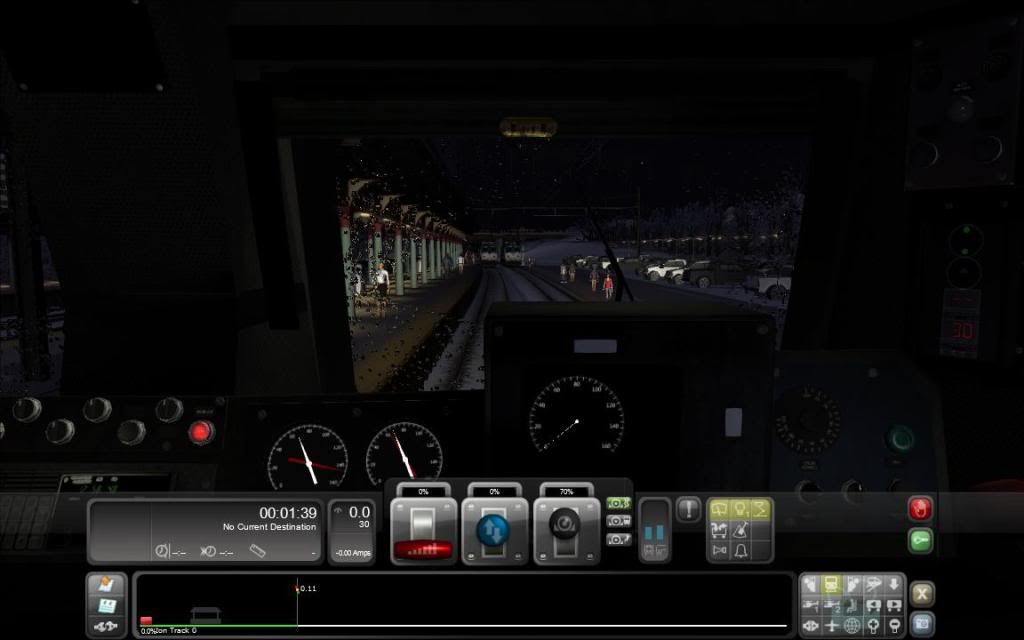
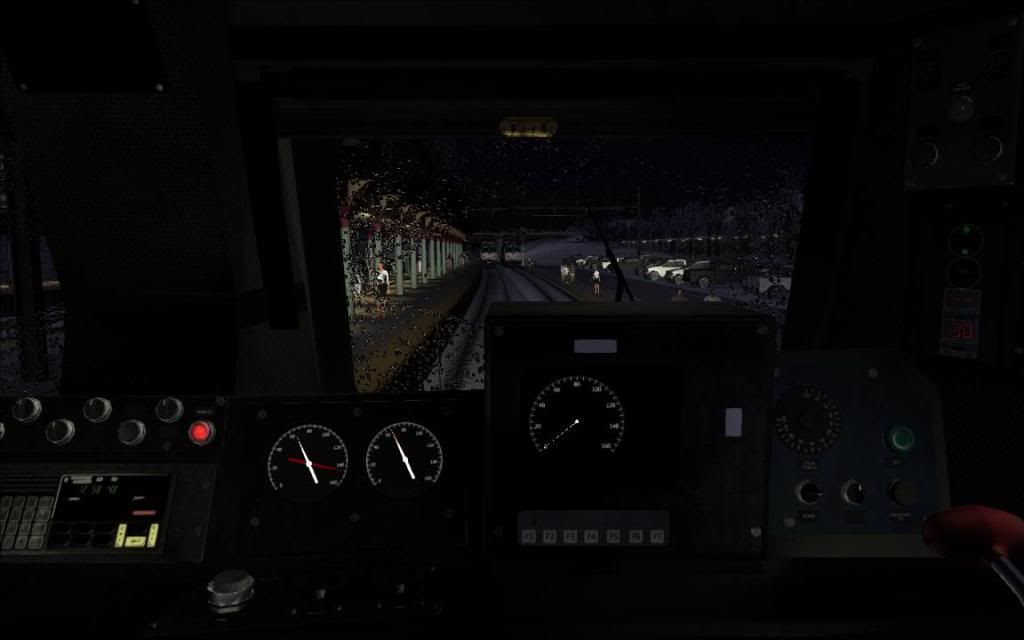
Machinist is working on a lighting package for the RailDriver version of the AEM-7.

Here is are a couple of work in progress pictures:

Image

Image

Re: Rail Driver and AEM-7 Good News - Bad News

Unread postPosted: Mon Jan 02, 2012 8:45 pm
by Machinist
Work was in progress, now is (almost) over... missing review eight mod default scenarios, four of them at night. Tomorrow I'll send to Dick the pack, and then is up to him to provide the uploading to the RWA Library!

Despite of subject, the Mod is fully playable not only by Raildriver's users but also by any player F4 Virtual Console.

Some pics more!
406- AEM-7 RD Mod with Engineer and Conductor at the rear end, and display numbers light.jpg

407- AEM-7 RD Mod front view, crew lighted, and rearlight reaching the bridge.jpg

408- AEM-7 default, rearlight on though bridge is not illluminated.jpg

Re: Rail Driver and AEM-7 Good News - Bad News

Unread postPosted: Mon Jan 23, 2012 4:07 pm
by dick8299
Please note that the RailDriver fix and enhanced lighting for the AEM-7 engine is now available in the File Library.

Re: Rail Driver and AEM-7 Good News - Bad News

Unread postPosted: Mon Jan 23, 2012 8:05 pm
by Hawk